I like how easy it is to right-click a file in Finder and compress it into a zip archive, but I’ve often wished that came with the option to password protect the archive. To do that, I currently need to either use an application or jump into Terminal and run a command. Both of those have a lot more friction than just right-clicking a file and selecting the “Compress” option.
I wanted a Quick Action in Finder’s right-click menu that would:
Prompt for a password
Create an encrypted zip archive
Drop the archive in the same folder as the original file or folder
Work on both files and folders
Shortcuts?
I really wanted to accomplish this with the Shortcuts app. Shortcuts supports Quick Actions in Finder, has a “Run Shell Script” action, and it looked like exactly the right tool for the job.
The basic plan was:
Configure the shortcut to receive files and folders as input
Prompt for a password using “Ask for Text” actions
Pass the file path and password into a shell script that calls zip -er
I kept running into problems, though. First, the shortcut ran without errors, but the resulting zip file was empty. Adding debug logging revealed the culprit:
adding: Users/me/Downloads/secrettext.txt
zip warning: could not open for reading: Users/me/Downloads/secrettext.txt
Two things stood out: zip was stripping the leading / from the path, treating it as relative rather than absolute, and there was an “Operation not permitted” error suggesting a permissions problem. Switching to cd "$PARENT_DIR" && zip ... "$BASE_NAME" fixed the leading-slash issue by making the path relative on purpose — but the permissions error persisted.
Even after I granted Shortcuts Full Disk Access in System Settings, the shell script still couldn’t read files from the Downloads folder. The error was consistent:
zip warning: Operation not permitted
zip warning: could not open for reading: secrettext.txt
This is a known macOS sandbox restriction: Shortcuts' “Run Shell Script” action runs in a sandbox that can block file reads from TCC-protected directories like Downloads, regardless of what permissions you grant in System Settings.
I tried several approaches to get around the sandbox:
Writing to /tmp first — By having the script write the zip to /tmp and then move it to the destination, I got past the write permission issue. But the read permission problem remained — the script still couldn’t open the source file.
Base64 encoding — I used Shortcuts' native “Base64 Encode” action to read the file, encode it as a string, and pass the string into the shell script to decode back into a file in /tmp. Unfortunately, it seemed like the Base64 Encode action in Shortcuts couldn’t pipe its output subsequent actions.
Passing via stdin — Configuring “Run Shell Script” to receive input as stdin rather than arguments causes Shortcuts to read the file itself and pipe the contents in, bypassing the shell script’s read restriction. This didn’t work reliably either.
After exhausting these options, the sandboxing issues made Shortcuts seem like a dead-end. So I ended up abandoning Shortcuts, and trying an app I’ve never used before.
Automator!
Automator is older and less flashy than Shortcuts, but it has more permissive file access and its Quick Actions integrate into Finder just as well.
My basic setup:
Open Automator and create a new Quick Action
Set “Workflow receives current” to files or folders in Finder
Add a “Run Shell Script” action
My first Automator attempt was similar to what I’d been trying to do with Shortcuts—It used an “Ask for Text” action to collect the password, followed by a “Run Shell Script” to do the zipping. The script received the password as $1 but the file paths were gone:
PASSWORD: astrongpassword
Number of files: 0
Automator’s actions form a linear pipeline, and “Ask for Text” consumes the input. By the time the shell script runs, the file paths have been replaced by the password string.
Restructuring the workflow to capture file paths first didn’t cleanly solve the problem either, because passing them through subsequent actions got messy.
The cleanest fix was to skip Automator’s “Ask for Text” action entirely and use a single “Run Shell Script” action that shows a native password dialog using osascript:
#!/bin/zsh
# Show a native password dialog
PASSWORD=$(osascript \
-e 'Tell application "System Events" to display dialog "Enter encryption password:" default answer "" with hidden answer'\
-e 'text returned of result')for INPUT in "$@"; do
INPUT="${INPUT%/}"
PARENT_DIR=$(dirname "$INPUT")
BASE_NAME=$(basename "$INPUT")
TMPOUT="/tmp/${BASE_NAME}.zip"
FINALOUT="${PARENT_DIR}/${BASE_NAME}.zip"
cd "$PARENT_DIR"&& zip -r -e --password "$PASSWORD""$TMPOUT""$BASE_NAME"
mv "$TMPOUT""$FINALOUT"done
This approach:
Uses osascript to show a proper native macOS dialog with a hidden (password-style) input field
Keeps everything in a single action, so the file paths arrive cleanly as $1, $2, etc. via "$@"
Writes the zip to /tmp first (sidestepping any write permission quirks) then moves it to the final destination
Loops over all inputs, so it works if you select multiple files at once
Installation
Save this Automator workflow via File → Save, give it a name, and then it’ll be saved automatically to ~/Library/Services/. It appears immediately in Finder’s right-click Quick Actions menu, no additional configuration needed.
In summary
The Shortcuts sandbox is still too restrictive when it comes to shell scripts accessing files in TCC-protected directories like the Downloads folder—More restrictive than I’d expected given that I had granted Full Disk Access to Shortcuts. For a Quick Action that needs to read arbitrary files from the filesystem, Automator is the better choice. Shortcuts excels at chaining native macOS actions, but the moment you need a shell script to touch files, you’ll likely hit a wall.
Automator’s pipeline model has its own quirks (the “Ask for Text” interruption problem being a good example), but osascript is a powerful escape hatch that lets you show native UI from within a shell script, keeping the entire workflow in a single action and avoiding pipeline issues altogether.
Despite this being my first time using Automator, the final workflow was quick to set up. Shortcuts clearly seems to be the direction that Apple is moving in, but given it’s shortcomings, let’s hope they don’t get rid of Automator any time soon.
Everyone thinks universities have to do what donors want because they pay the bills. But that gets it backward, and not just at Hopkins. Giant donations, he’s come to realize, often increase the university’s bills, generating new operating expenses for projects that may have only tenuous links to the university’s core mission. The new fixed costs cannibalize existing funding streams, increasing pressure to grow revenue. He remembers the quip from a former dean: “The endowment is the gift that keeps on taking.”
Finished reading: The Way of Kings by Brandon Sanderson. A real slow burn, with an incredible payoff at the end. I’ll have a hard time waiting very long to read the next one📚
Finished reading: Alien Earths by Dr. Lisa Kaltenegger 📚
I never quite understood why multiview was important to sports fans, but here I am watching a city council meeting with the county legislature meeting playing in a PiP window.
Recently when checking my Mac’s storage usage, I noticed that the System Data category had ballooned to over 250GBs. Even with 1TB of storage, this seemed excessive and I wanted to get the the bottom of what was taking up so much space.
After some research online, I learned that I had many prior versions of Xcode simulators sitting around that were no longer available to be used. These were easily pruned, and doing so freed up a dozen or so gigabytes of space, but not nearly enough to make much of a difference in the reported amount of of disk space belonging to System Data.
Next, I took a look at local Time Machine snapshots. I didn’t really want to mess with these, but I did find that deleting some large and no longer needed files that were sitting on my drive also helped reduce the size of these snapshots. Nevertheless, I still had over 200GB devoted to System Data.
I continued by looking through my ~/Library folder and its many subdirectories, convinced that the reason for the bloat must be found there, but the numbers just weren’t adding up. Finally, I tried installing OmniDiskSweeper after seeing it recommended a few times during my online searches. I ran it and within a few minutes it had indexed all of my directories and organized them more or less by size.
At first I wasn’t sure what to do with this information, because I still didn’t know what was safe to delete. But soon I saw something that I hadn’t before—OmniDiskSweeper was showing a hidden com.apple.podcasts directory within my ~/Library folder. That directory in turn had a tmp folder with many snippets of previously-streamed podcast episodes. Over 100GB worth of snippets, in fact.
I know enough about stream buffering to know that generally speaking, the way it works is that small 15 second or so pieces of a larger stream are downloaded ahead of time. The snippets I found were undoubtably of this nature, which is why they were found in such an obscure location. What still isn’t clear to me, however, is why over a year's worth of these segments were kept on my disk well after the episodes they belonged to had been listened to, deleted from the podcasts app, and otherwise forgotten.
I deleted all 100GB of these old podcast snippets and restarted my Mac. I’m happy to report that after doing so, I'm now consistently only seeing ~90GB devoted to System Data. That still feels like more than necessary, but it’s a major improvement.
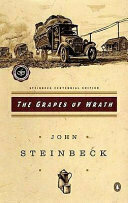
Finished reading: Apple in China by Patrick McGee 📚Every bit as fascinating as I’d been led to believe.
The pursuit of happiness is not the acquisition of things in a marketplace of objects, but lifelong learning in a marketplace of ideas. That’s what the founders said. To be virtuous, to live a virtuous life, to continually educate yourself is what was required to sustain this republic. And I think that’s what we’ve gotten away from. Everything is sort of all individualized. We’re all free agents. We don’t realize that freedom, the thing that we tout is not just what I want, but also that’s in tension with what we need. And I think what happens is that when we study these words, we can go back to the sense of newness and freshness that they represented and rededicate ourselves. And that means me for me and you for you to this idea that the pursuit of happiness is about lifelong learning. It’s about becoming ever more educated to the responsibility of citizenship. And that’s a huge, huge responsibility.
Finished reading: A Study in Scarlet by Arthur Conan Doyle 📚Being the first Sherlock Holmes story, I was surprised that nearly half of it ended up being about Mormons in Utah. Coincidentally there were many parallels with Riders of the Purple Sage, which I happened to have read earlier this year.
Finished reading: Guns, Germs, and Steel: The Fates of Human Societies by Jared Diamond 📚In college I minored in anthropology, so naturally I enjoyed this one. I found the discussion of oligarchy and big man theory in this context to be especially interesting.
California may be first, but it clearly will not end here. Other states are next. Democracy is next. Democracy is under assault right before our eyes, this moment we have feared has arrived. He’s taking a wrecking ball, a wrecking ball to our founding fathers’ historic project: three coequal branches of independent government.
There are no longer any checks and balances. Congress is nowhere to be found. Speaker Johnson has completely abdicated that responsibility. The rule of law has increasingly been given way to the rule of Don.
The founding fathers didn’t live and die to see this kind of moment. It’s time for all of us to stand up.
After weeks of rain it finally feels like spring.
Tony (or possibly his brother Dan) Gilroy, writing for the character Mon Mothma on Andor:
I believe we are in crisis. The distance between what is said and what is known to be true has become an abyss. Of all the things at risk, the loss of an objective reality is perhaps the most dangerous. The death of truth is the ultimate victory of evil. When truth leaves us, when we let it slip away, when it is ripped from our hands, we become vulnerable to the appetite of whatever monster screams the loudest.
If I finish a book a week, I will read only a few thousand books in my lifetime, about a tenth of a percent of the contents of the greatest libraries of our time. The trick is to know which books to read.
I continue to struggle with prioritizing what books to read. My list is longer than I care to count, and I’m always trying to balance the tension between reading things that I feel I “should” read vs. reading what I want to read. I certainly read more, and more quickly, if I’m reading a book that I’m genuinely compelled toward. Maybe as long as I’m working in little bits of the stuff that’s good for me, like vegetables, then whatever else keeps me reading is good enough.
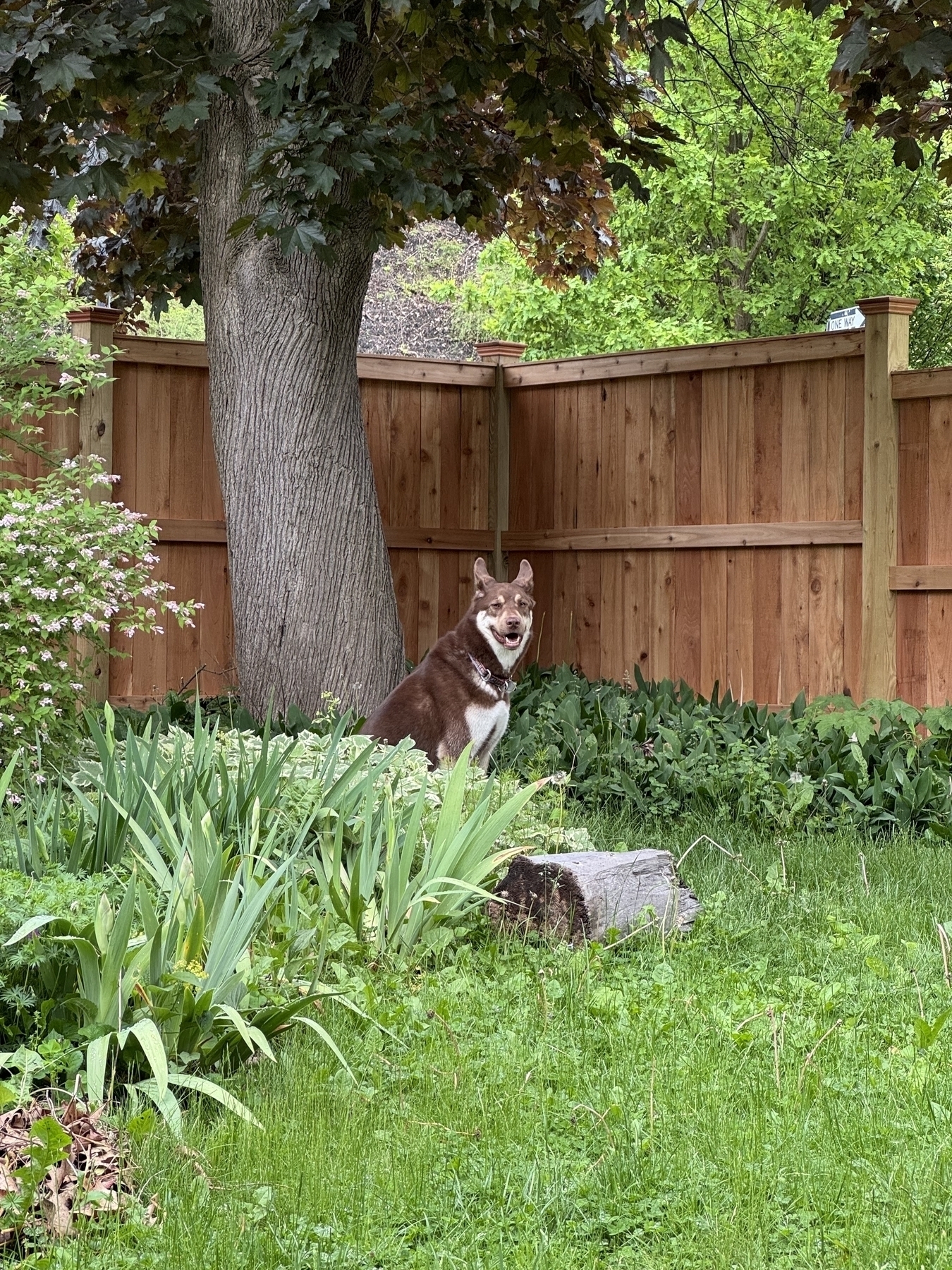
Happy 4th birthday to this pup! It was too cold to go to the dog park, but he at least got a sheep toy, the stuffing from which is now spread all through the house.
My favorite part of Porchfest 2024 (oh, sure, the music was good too). Ithaca’s is the original, and probably the best.
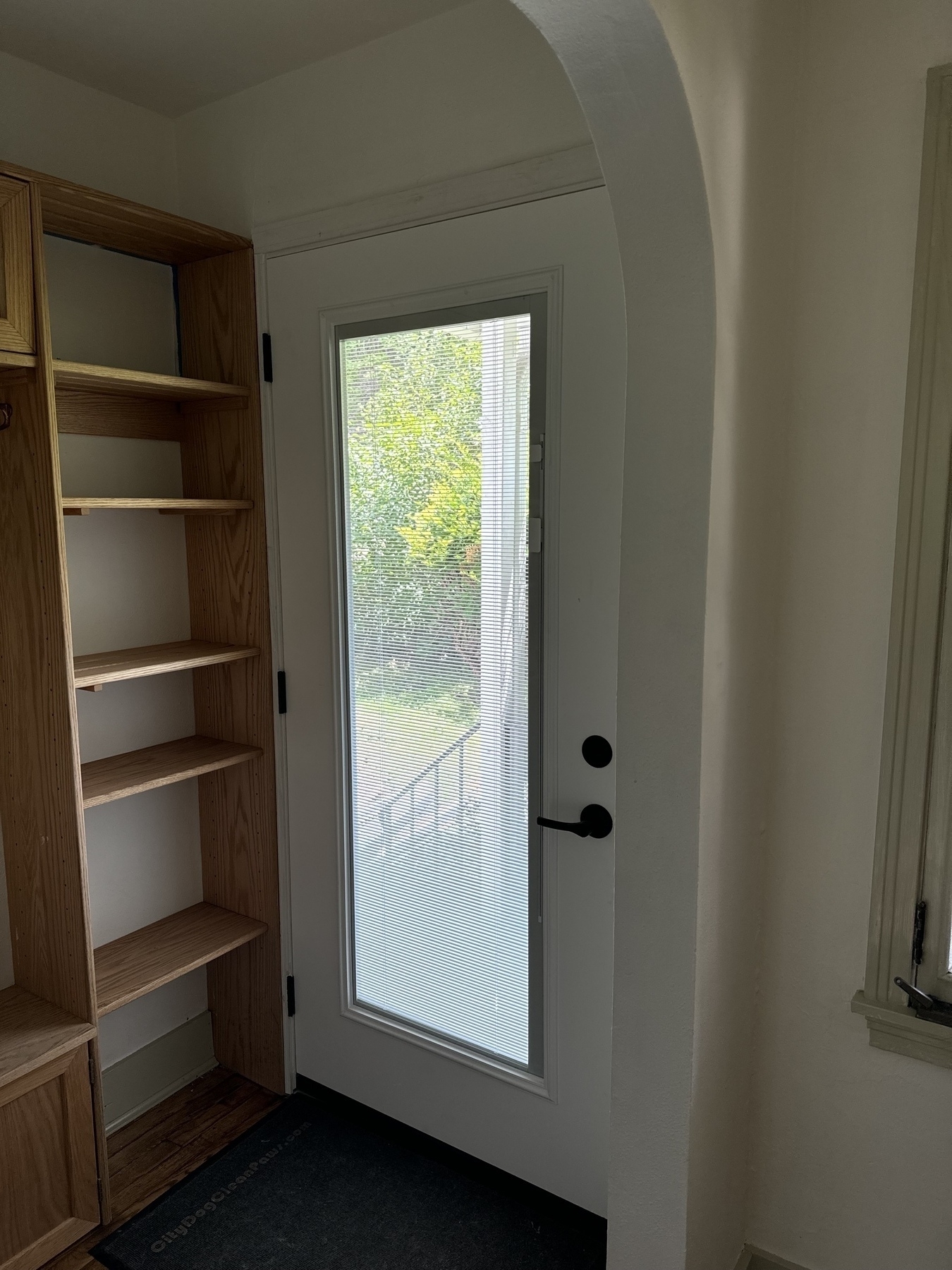
New door day! Which is also my way of saying, after all the work we’ve done for the last several months, we finally moved into our new house three weeks ago! Big projects are done (for now), but there will still be plenty of small ones.